 Omar Mashharawi
Tools / BBS Analyzer · In the browser · Free
Check a bar bending schedule in seconds.
Open the schedule as Excel or CSV, or paste it. The analyzer finds the columns, flags anything it cannot read with confidence, and totals bars, length and theoretical weight by diameter, grade and shape. Then send the cut lengths to the cutting optimizer.
How to use this tool (guide opens in a new tab)
Schedule
Paste from Excel
Select the schedule in Excel, including the header row, copy it and paste here.
Enter by hand
| Member | Bar mark | Ø mm | Grade | Shape code | Cut length mm | Total bars | × |
|---|
Columns
Columns are matched by their header names. Check each one; anything not in your sheet can stay empty. Bars come from a total column, or from members × bars in each. Help
Result
- Bars
- 0pcs
- Theoretical weight
- 0t
- Total length
- 0m
- Rows
- 0
Warnings
Assumptions
By diameter
By diameter and grade
By grade
By shape code
Excluded from the calculation Why?
Rows used
Theoretical weights: 0.006165 × d² kg/m. Estimates for planning and checking, not weighed or certified quantities. Mill deliveries fall within the tolerance of the governing standard.
Rebar supply · Al Rajhi Steel
Send the totals for a quote.
Send me the tonnes per diameter and grade from this analysis with the project city, and I will come back with an official rebar quotation from Al Rajhi Steel, where I work in sales. Cutting to specified lengths is subject to confirmation, and any bending requirements must be confirmed before quotation.
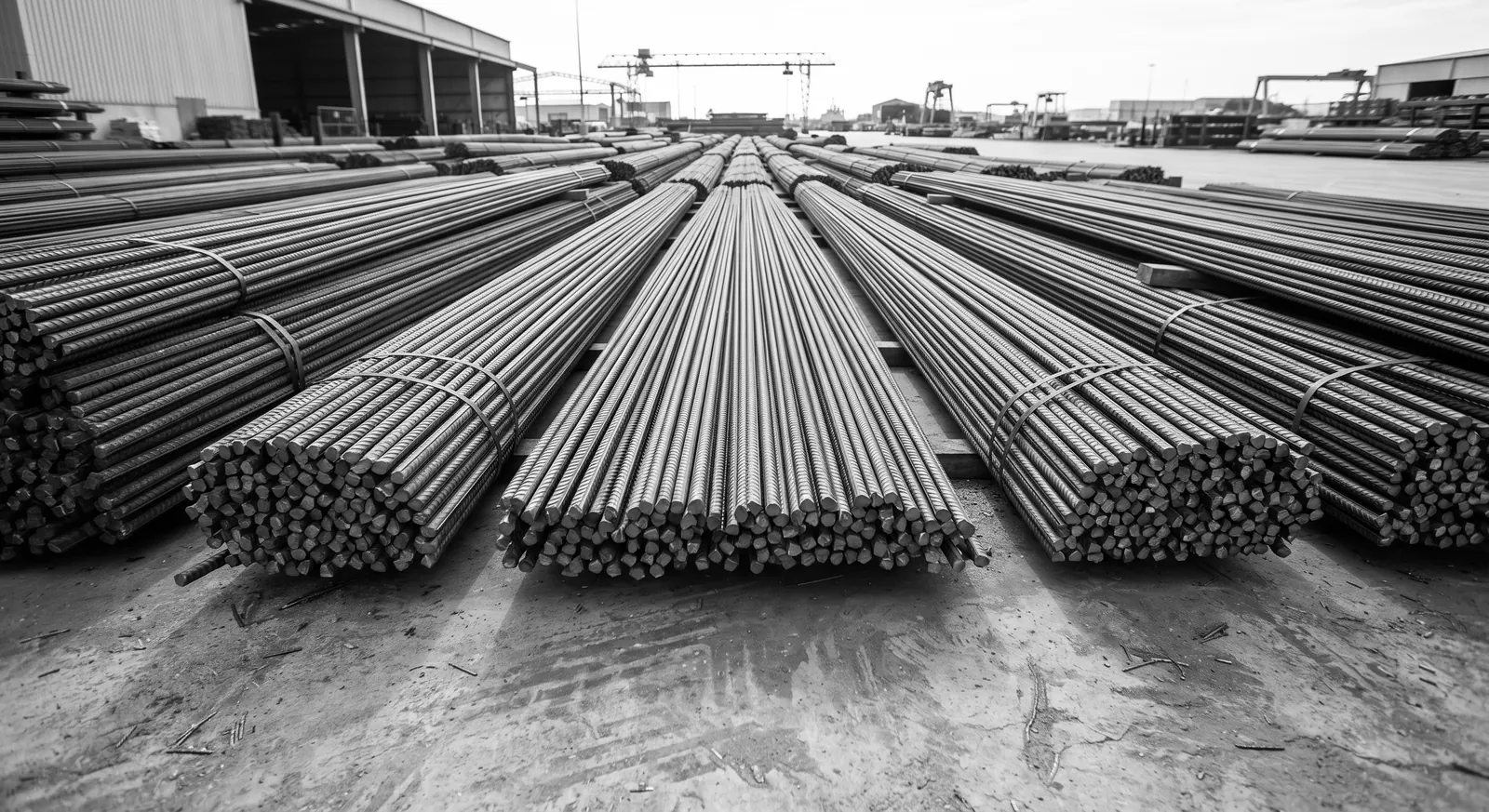
- Sizes 10, 12, 14, 16, 18, 20, 25 and 32 mm · 12 m bars
- Grade 60 and Grade 80
- Epoxy-coated rebar available
- Mill test certificates (MTC) for the sizes and grade ordered
- Cutting to specified lengths, subject to confirmation
- Bending requirements confirmed before quotation
- Supply after payment confirmation or LC approval, subject to company procedures, product availability and the agreed delivery schedule
How it reads a schedule.
The file is read in your browser. Excel workbooks are opened by a small built-in reader: values only. Formulas are never run; where a cell holds a formula, the value Excel saved is used and the row is marked. Macros are never opened.
Columns are recognised by name in English, Arabic and Chinese (Bar mark, Dia, Cut length, No. of members, رقم السيخ, القطر, 钢筋编号, 下料长度 and so on). You can change any of them. The length unit comes from the header, for example “Cut length (mm)”; if the header does not say, you choose it. The tool never guesses.
Every row is checked. Rows with a missing or unreadable diameter, length or number of bars are excluded and listed with the reason, never filled in. A length written with a comma (2,875) is refused because it could mean 2.875 or 2875. Values that only make sense in the other unit are refused, not converted.
Any cut length above 12,000 mm, one 12 m stock bar, is excluded from every total and listed with the reason “Cut length exceeds the 12 m stock bar limit”; 12,000 mm itself is included. Repeated bar marks (checked within each member; without a member column they cannot be told apart), grades written in different ways, non-standard diameters, and weights in the sheet that differ from the theoretical weight are reported as warnings for review. Nothing is deleted.
Send to Cutting Optimizer groups the valid rows by diameter, grade and cut length and opens the optimizer in a new tab with them, for you to review. Diameters and grades are never merged. Rows with no grade stay in the analysis but are not sent until you assign a grade yourself; Grade 60 or 80 is never assumed. Your schedule stays here unchanged.
Related: rebar cutting optimizer, rebar weight calculator, RebarPlan (desktop app that writes bar bending schedules).
Common questions
How is the weight of a bar bending schedule calculated?
For each row: 0.006165 × d² kg/m × cut length in metres × number of bars. A 16 mm bar is 1.578 kg/m, so 96 bars of 2.35 m weigh about 356 kg. The analyzer adds these up by diameter, grade and shape. The result is a theoretical weight, not a weighed quantity.
Which file types can I use?
Excel .xlsx and .xlsm (macros are never opened or run), CSV, TSV and .txt text files separated by commas, semicolons or tabs, a range pasted from Excel, or lines typed by hand. Files up to 25 MB. Old .xls, .xlsb and .ods files are not supported: save them as .xlsx or CSV first.
Is my schedule uploaded?
No. The file is read in your browser and nothing is sent or stored. Close the page and it is gone. No account is needed.
What if my columns have different names?
Pick the right column for each field in the mapping. Only diameter, cut length and number of bars are required. If the length header has no unit, choose mm or m.
Why was a row excluded?
The excluded rows list gives the reason for each: a missing or unreadable diameter, length or number of bars, a value that does not fit the unit, a cut length above 12 m (one stock bar), or a total that contradicts members × bars in each. The tool does not fill in missing engineering data.
Can I optimise cutting from the schedule?
Yes. Send to Cutting Optimizer opens the optimizer with the cut lengths grouped by diameter and grade. Check the lines there, then run it. Rows over 12 m are excluded from the analysis and never sent, and rows without a grade are sent only after you assign one.